Old Analog vs Modern IP Camera Systems: Is It Time to Upgrade?
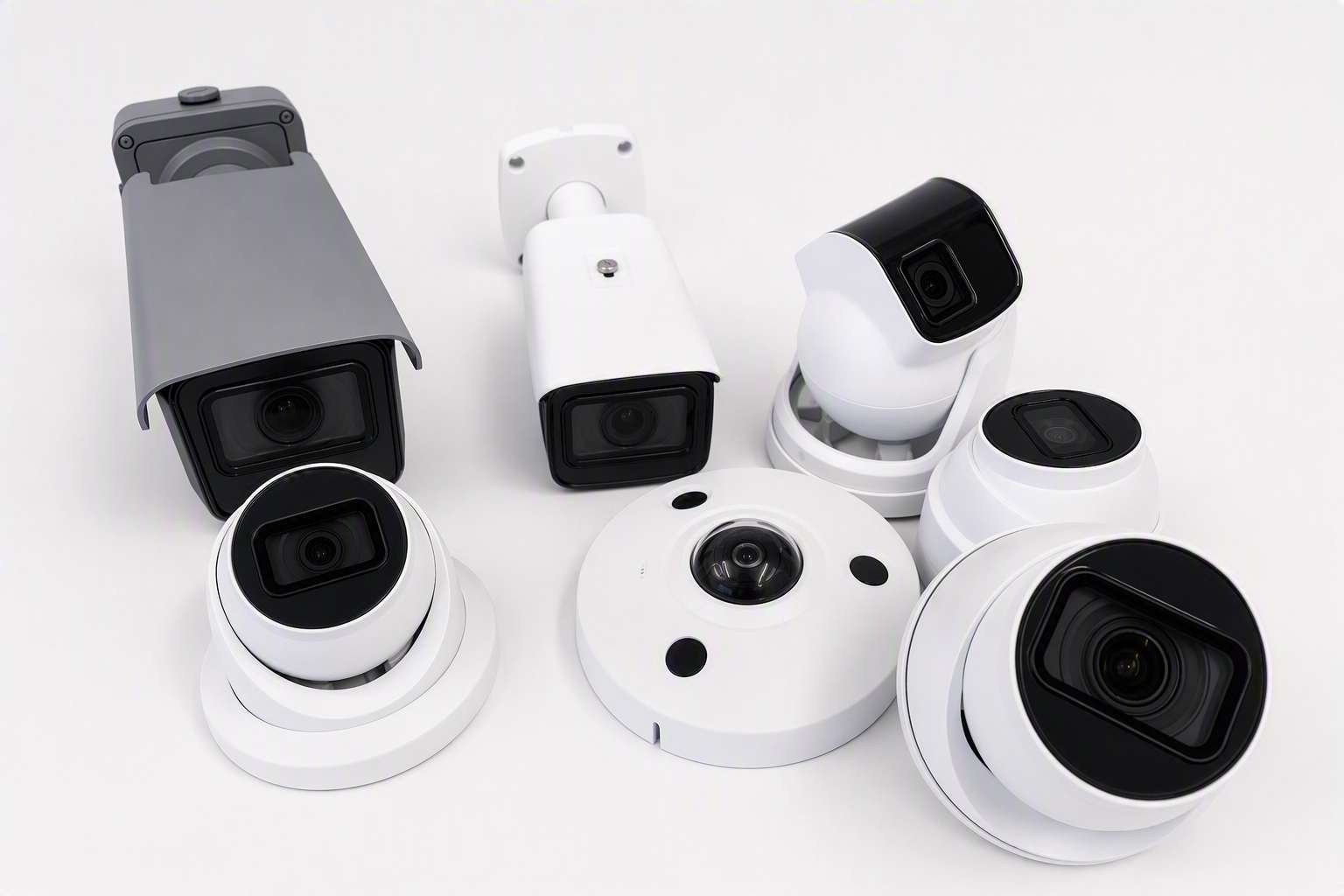
If your business CCTV system is more than 7–8 years old, there's a good chance it's still running on analog technology; coax cabling, a DVR box, and cameras that top out at a resolution that was standard well over a decade ago.
Key takeaways:
Analog systems generally offer lower resolution, fixed storage, and weaker remote access than IP systems
IP cameras use a single PoE network cable, simplifying installation and reducing cable clutter
Parts and support for analog hardware are increasingly hard to source
Many businesses upgrade in stages rather than replacing everything at once
Analog systems aren't necessarily "broken," but they're increasingly a poor fit for what businesses actually need from CCTV today. Here's what's different, and how to know if an upgrade makes sense for your business.
What's the Difference Between Analog and IP Cameras?
Analog cameras send a raw video signal over coaxial cable to a DVR (digital video recorder), which converts and stores the footage. This was the standard for commercial CCTV for decades, and a huge number of NZ businesses are still running systems built on this technology.
IP (Internet Protocol) cameras capture and process footage digitally on the camera itself, then send it over a standard network cable (or Wi-Fi) to an NVR (network video recorder) or directly to cloud storage. This is now the standard for new commercial installations.
Key Differences That Actually Matter for a Business
Resolution and Image Quality
Analog systems typically max out well below what's now considered usable footage often too low-resolution to reliably identify a face or number plate. IP cameras commonly start at 2MP–4MP and go well beyond, with far better detail, especially at range or in low light.
Cabling
Analog cameras need coaxial cable plus a separate power cable. IP cameras typically use a single Ethernet cable carrying both data and power (known as PoE — Power over Ethernet), which simplifies installation and reduces cable clutter, particularly useful when upgrading an older building.
Storage and Retention
Analog DVRs generally have fixed, limited storage, with footage often overwritten within 1–2 weeks. IP/NVR systems typically offer more flexible storage options, and pairing with cloud storage removes the fixed-capacity problem altogether. See our guide on cloud vs local CCTV storage for more on this choice.
Remote Access
Viewing analog DVR footage remotely usually requires clunky, older software and inconsistent mobile support. IP systems are generally built with remote viewing in mind from the start, checking footage from a phone or laptop is standard, not an add-on.
Scalability
Adding cameras to an analog system often means running new coax cable and confirming DVR channel capacity. IP systems are generally easier to expand, since each camera just needs network access rather than a dedicated analog channel.
Ongoing Support and Parts
Analog hardware is increasingly discontinued or harder to source parts for, meaning repairs can take longer and cost more. IP systems are the current industry standard, so parts, support, and compatible software are far more readily available.
Signs It's Time to Move from Analog to IP
Footage is too low-resolution to be useful as evidence
You've had repeated repair callouts or can't source replacement parts
You need remote access and your current system can't provide it reliably
You're expanding and need more cameras than your DVR can support
You're renovating or moving premises and rewiring is happening anyway, a natural point to upgrade cabling in one pass
Do You Have to Replace Everything at Once?
Not necessarily. Many businesses replace analog systems in stages. Starting with the highest-priority cameras (entrances, till points, high-value areas) and phasing the rest over time. In some cases, hybrid recorders can run a mix of analog and IP cameras during a transition period, though this is generally a stepping stone rather than a long-term setup, since it doesn't fully deliver the benefits of a proper IP system.
Frequently Asked Questions
Can I upgrade to IP cameras without rewiring my whole building? Often, partially. If your existing cabling runs are usable for network cable, some of the work can be reused, but coax-only wiring generally needs to be replaced for a full IP upgrade. A site assessment can confirm what's reusable.
Is it worth repairing an old analog system instead of replacing it? For systems more than 7–8 years old, replacement is usually more cost-effective long-term than ongoing repairs, since analog parts are increasingly hard to source and resolution is well below current standards.
Do IP cameras need a strong network to work properly? Yes, a stable local network is important, particularly for higher-resolution cameras. This is generally straightforward for most modern business premises, and a site assessment will flag any network work needed as part of the upgrade.
How long do IP cameras typically last compared to analog? Both can have long physical lifespans, but IP systems are far less likely to become obsolete due to discontinued parts or software, since they're built on current industry-standard technology.