CCTV and the Privacy Act 2020: What NZ Business Owners Need to Know
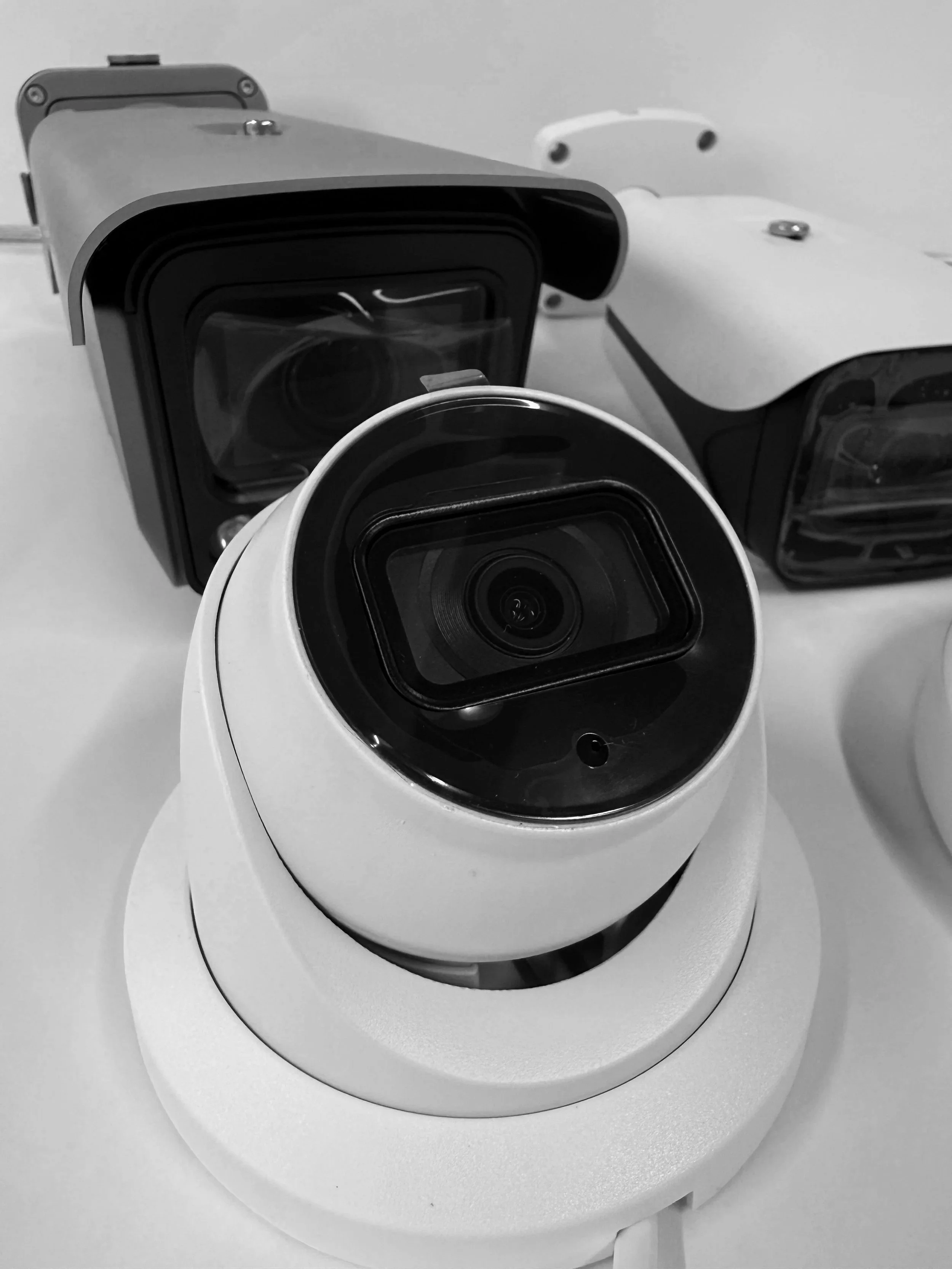
Installing CCTV protects your business but it also means you're collecting personal information about staff, customers, and members of the public, whether you intended to or not. In New Zealand, that puts your CCTV system squarely under the Privacy Act 2020.
Key takeaways:
The Privacy Act 2020 applies to any business recording identifiable CCTV footage, regardless of size
Businesses need clear, accurate signage and a legitimate security purpose for camera placement
Footage must be stored securely, with controlled access and a defined retention period (commonly 30–60 days)
CCTV in bathrooms, changing rooms, and break rooms is generally not appropriate
Individuals can request access to footage they appear in, so a simple internal process for these requests is worth having
Most business owners aren't trying to break any rules; they simply haven't been told what the rules actually are. This guide covers the practical compliance points every NZ SMB with CCTV should have covered.
Does the Privacy Act 2020 Actually Apply to CCTV Footage?
Yes. Footage that can identify a person. A clear face, a number plate, a recognisable action counts as "personal information" under the Act. That means any business recording CCTV footage is expected to collect, store, and use that footage responsibly, in line with the Act's information privacy principles.
This applies regardless of business size. A four-camera setup in a small café is covered by the same principles as a large retail chain's system.
1. Signage: Letting People Know They're Being Recorded
Under the Act, people should be made reasonably aware that they may be recorded. In practice, this means:
Clearly visible signage at entry points, not hidden in small print
Signage that's actually accurate, don't display a sign for an area with no working camera, or leave a sign up for a camera you've removed
Consideration for areas with a higher expectation of privacy (staff break rooms, bathrooms, changing rooms). These are generally not appropriate places for CCTV at all
Practical tip: A simple sign at each customer entrance and stated in your terms (for staff, via an employment policy) is usually enough for most retail, office, and hospitality settings.
2. Collection: Only Record What You Actually Need
The Act expects businesses to only collect personal information for a legitimate purpose, typically security, loss prevention, or safety. This means:
Camera placement should be justified by an actual security need, not just "more coverage is better"
Avoid pointing cameras at neighbouring properties, public footpaths beyond what's necessary, or areas unrelated to your security purpose
If a landlord or building manager requests footage covering shared areas, make sure responsibilities are clearly divided
3. Storage: Keeping Footage Secure
If footage is compromised through a hack, a stolen hard drive, or an employee sharing it inappropriately, that's a privacy breach, and potentially a notifiable one under the Act. Business owners should be able to answer:
Who can access stored footage, and how is that access controlled? (Shared logins with no audit trail are a common weak point.)
Is footage stored securely, whether on-site (locked NVR/DVR) or via a reputable cloud provider with encryption?
Is old footage automatically deleted rather than kept indefinitely "just in case"?
Practical tip: Retention periods of 30–60 days are common for general business CCTV, long enough to investigate most incidents, without holding data longer than necessary.
4. Use and Disclosure: Who Gets to See the Footage
Footage should generally only be used for the purpose it was collected usually security and incident investigation. Common situations business owners should have a clear policy for:
Police requests: Police can request footage as part of an investigation; most businesses can provide this, but it's worth understanding when a formal request is required.
Insurance claims: Footage supporting a claim is a normal and expected use.
Staff monitoring: Using CCTV specifically to monitor staff performance (rather than general security) raises additional obligations, including transparency with employees about how footage may be used.
Sharing footage publicly (e.g. posting an incident to social media). This carries real privacy risk and should generally be avoided without legal advice, even when the business feels justified (e.g. catching a shoplifter).
5. Access Requests: What Happens If Someone Asks for Their Footage
Under the Privacy Act 2020, individuals have the right to request access to personal information a business holds about them. This includes CCTV footage they appear in. If a customer or staff member asks whether they're on your footage and requests a copy, businesses are generally expected to respond, though there are some exceptions (e.g. if releasing it would unreasonably affect someone else's privacy, such as other identifiable people in the same clip).
Practical tip: Having a simple, written process for these requests even just a one-page internal guide makes this far less stressful if it happens.
A Simple Compliance Checklist for NZ SMBs
Visible, accurate signage at all camera-monitored entry points
Cameras placed for a clear security purpose (not aimed at private areas or beyond your property unnecessarily)
Footage stored securely with controlled, logged access
A defined retention period, with old footage deleted automatically
A basic internal policy for footage access requests, police requests, and staff monitoring
No CCTV in bathrooms, changing rooms, or similar private areas
Frequently Asked Questions
Do small businesses need to comply with the Privacy Act 2020 for CCTV? Yes. The Act applies regardless of business size. Any business recording identifiable footage of people is expected to follow the same core principles around signage, secure storage, and appropriate use.
Is it legal to have CCTV in a staff break room in NZ? Generally no, or only in very limited, clearly justified circumstances. Areas with a higher expectation of privacy such as break rooms, bathrooms, changing rooms are typically not appropriate for CCTV.
How long can a business keep CCTV footage in NZ? There's no single fixed legal limit, but the Act expects footage to only be retained as long as reasonably necessary for its purpose. Many NZ businesses use a 30–60 day retention period as a practical standard.
Can I post CCTV footage of a shoplifter on social media? This carries real privacy risk under the Act, even when the business feels justified. It's best to involve police through the proper channels rather than sharing footage publicly, and to get legal advice if you're considering it.
Does upgrading my CCTV system help with Privacy Act compliance? Often, yes. Modern systems make it easier to control who has access to footage, apply automatic retention/deletion rules, and keep an audit trail, all of which are harder to manage on older, unmanaged systems with shared logins and no access controls.
This article is general information, not legal advice. For guidance specific to your business, consult a lawyer or the Office of the Privacy Commissioner.