CCTV for Retail Stores vs Warehouses vs Offices in NZ: What's Different?
A CCTV system that works well for a small retail shop will often be the wrong setup for a warehouse and vice versa. The cameras, placement, resolution, and storage priorities all shift depending on what you're actually protecting and where the risk sits.
Key takeaways:
Retail: prioritise entry, till, and stockroom coverage, with cloud-leaning storage
Warehouse: prioritise perimeter, loading bays, and yard coverage, often with PTZ cameras and a hybrid storage approach
Office: prioritise entry, server rooms, and car parks, with attention to staff privacy in common areas
Most real setups mix camera types and coverage priorities based on the specific site, not a single template
Here's how the right setup differs across three of the most common NZ business types.
Retail Stores: Clarity at the Till, Coverage at the Door
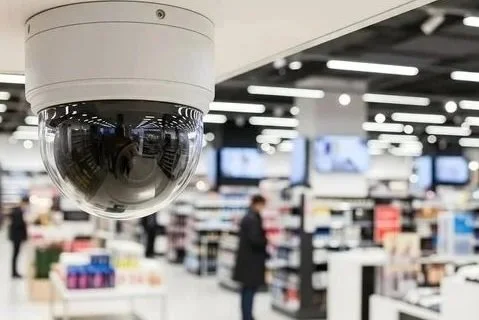
For retail, CCTV usually has three jobs: deterring theft, capturing usable evidence if it happens anyway, and supporting staff safety.
What matters most:
Entry and exit points: Clear, well-lit coverage of who's coming and going
Till/POS area: High enough resolution to identify faces and hand movement, since this is where most internal and external theft incidents are contested
Stockroom and high-value shelving: A second layer of coverage beyond the shop floor
Wide-angle coverage of the floor: With higher resolution reserved for the till and entrance rather than every camera
Storage priority: Retail businesses benefit strongly from cloud storage, since footage often needs to be reviewed quickly after a reported incident, shared with police, or checked from another location if the manager isn't on-site. For more on this trade-off, see our guide on cloud vs local CCTV storage.
Common mistake: Covering the shop floor well but leaving the back door, delivery entrance, or stockroom as a blind spot, a disproportionate share of retail incidents happen away from the customer-facing floor.
Warehouses and Industrial Sites: Scale and Perimeter First
Warehouses have a different risk profile: fewer people, larger areas, higher-value stock, and often unmonitored hours overnight or on weekends.
What matters most:
Perimeter and yard coverage: Fencing, loading docks, and vehicle entry points, since most warehouse incidents involve access from outside rather than customers inside
Loading bay cameras with resolution good enough to read number plates
Wide coverage of racking aisles, prioritising sightlines over resolution in low-traffic zones
PTZ (pan-tilt-zoom) cameras are more commonly justified here than in retail, given the larger areas a single camera needs to cover
Motion-triggered alerts matter more for warehouses, since these sites are often unstaffed for long periods
Storage priority: A hybrid approach is common, local storage for general day-to-day footage, with cloud backup specifically for perimeter and loading bay cameras, where losing footage after a break-in would be most costly.
Common mistake: Treating a warehouse like a scaled-up retail store. A warehouse's real risk is usually the perimeter and after-hours access, not the aisles themselves.
Offices: Access Points and Discretion
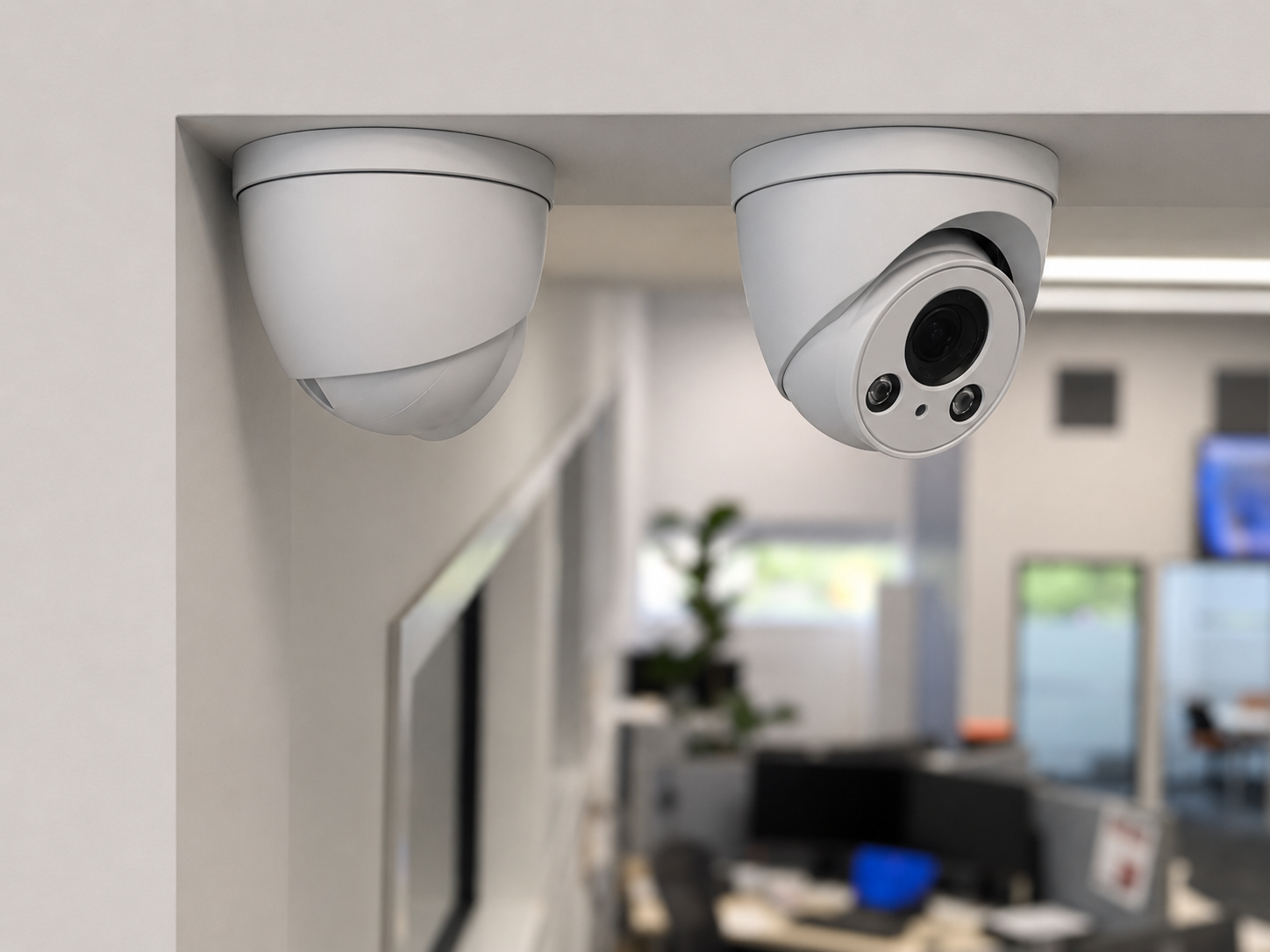
Office CCTV tends to be lighter-touch than retail or warehouse setups, since the main goals are usually access control, visitor tracking, and asset protection, not loss prevention on the same scale.
What matters most:
Main entry and reception: Who's coming in, particularly for offices without a staffed front desk
Server rooms or areas with sensitive equipment or documents
Car park coverage, especially for standalone office buildings
Discretion in common areas: Offices need to be more careful than retail about where cameras are placed, since staff privacy expectations are higher in a workplace than in a public-facing store (see our guide on CCTV and the Privacy Act 2020 for what this means in practice)
Storage priority: Cloud storage is popular for offices mainly for the convenience of remote access, checking who entered after hours, or reviewing footage without being on-site rather than for high incident volume.
Common mistake: Placing cameras in break rooms or other staff-only spaces without a clear, justified security reason. This is one of the more common Privacy Act missteps for office environments.
Quick Comparison
| Factor | Retail | Warehouse | Office |
|---|---|---|---|
| Primary risk | Theft (customer & staff) | Perimeter break-ins, stock loss | Access control, asset protection |
| Priority zones | Entry, till, stockroom | Perimeter, loading bay, yard | Entry, server room, car park |
| Typical camera count | 4–8 | 10–20+ | 6–10 |
| PTZ cameras common? | Rarely | Often | Rarely |
| Storage preference | Cloud-leaning | Hybrid | Cloud-leaning |
One Setup Doesn't Fit All
If your business spans more than one of these categories, a retailer with an attached warehouse, or an office with a small showroom, your CCTV setup should reflect that mix rather than using a single template across the whole site. This is exactly what a proper site assessment is for: matching camera type, placement, and storage to the actual risk in each zone, rather than treating the whole property the same way.
Frequently Asked Questions
Do warehouses need higher-resolution cameras than retail stores? Not necessarily higher overall but resolution needs to be targeted. Warehouses need high resolution at loading bays and entry points (to read plates and faces), while general aisle coverage can run lower resolution to manage cost across a larger number of cameras.
Is CCTV in office break rooms ever allowed in NZ? Generally no, or only in narrow, specifically justified circumstances. Areas with a higher expectation of privacy are typically not appropriate for CCTV. See our full guide on the Privacy Act 2020 for more detail.
How many cameras does a small retail store typically need? Most small stores need 4–8 cameras covering the entrance, till area, stockroom, and shop floor, though this varies by store size and layout.
Should a warehouse use PTZ cameras everywhere? No. PTZ cameras are usually reserved for large open areas like yards or loading zones where a single camera needs to cover a wide space. Fixed cameras are typically more cost-effective for racking aisles and defined zones.