If your business CCTV system needs replacing, it's usually showing warning signs well before it fails completely even if the cameras still turn on. For small and medium-sized businesses across New Zealand, an outdated or failing security system isn't just an inconvenience. It's a real risk to stock, staff, and property.
Key takeaways:
Grainy footage, fixed storage limits, and no remote access are the clearest signs a system is due for replacement
Systems older than 7–8 years are usually cheaper to replace than to keep repairing
Standard camera replacement starts from around $1,200 per camera (incl. software and labour), or from $50/camera/month financed
Older, unmanaged systems can also fall short of Privacy Act 2020 requirements around access control and storage
Here are the seven clearest signs it's time to fix or replace your CCTV setup, and what NZ business owners should do about it.
1. Your Footage Is Grainy, Dark, or Unusable
If you've ever pulled up footage after an incident only to find it's too blurry to identify a face or number plate, your cameras are past their useful life. Older analog systems typically max out at low resolution, which is fine for a general deterrent but useless as actual evidence for police or insurance claims.
What to do: Modern IP cameras start at 2MP–4MP resolution as standard, with clear night vision — a meaningful upgrade for the same or similar footprint.
2. You're Running Out of Storage or Losing Footage
Many older DVR systems overwrite footage every 7–14 days. If an incident isn't reported quickly, the evidence is gone before you even know you need it.
What to do: Look for systems with cloud backup or larger local storage (NVR-based), so footage is retained longer and accessible remotely from a phone or laptop.
3. Cameras Are Physically Failing
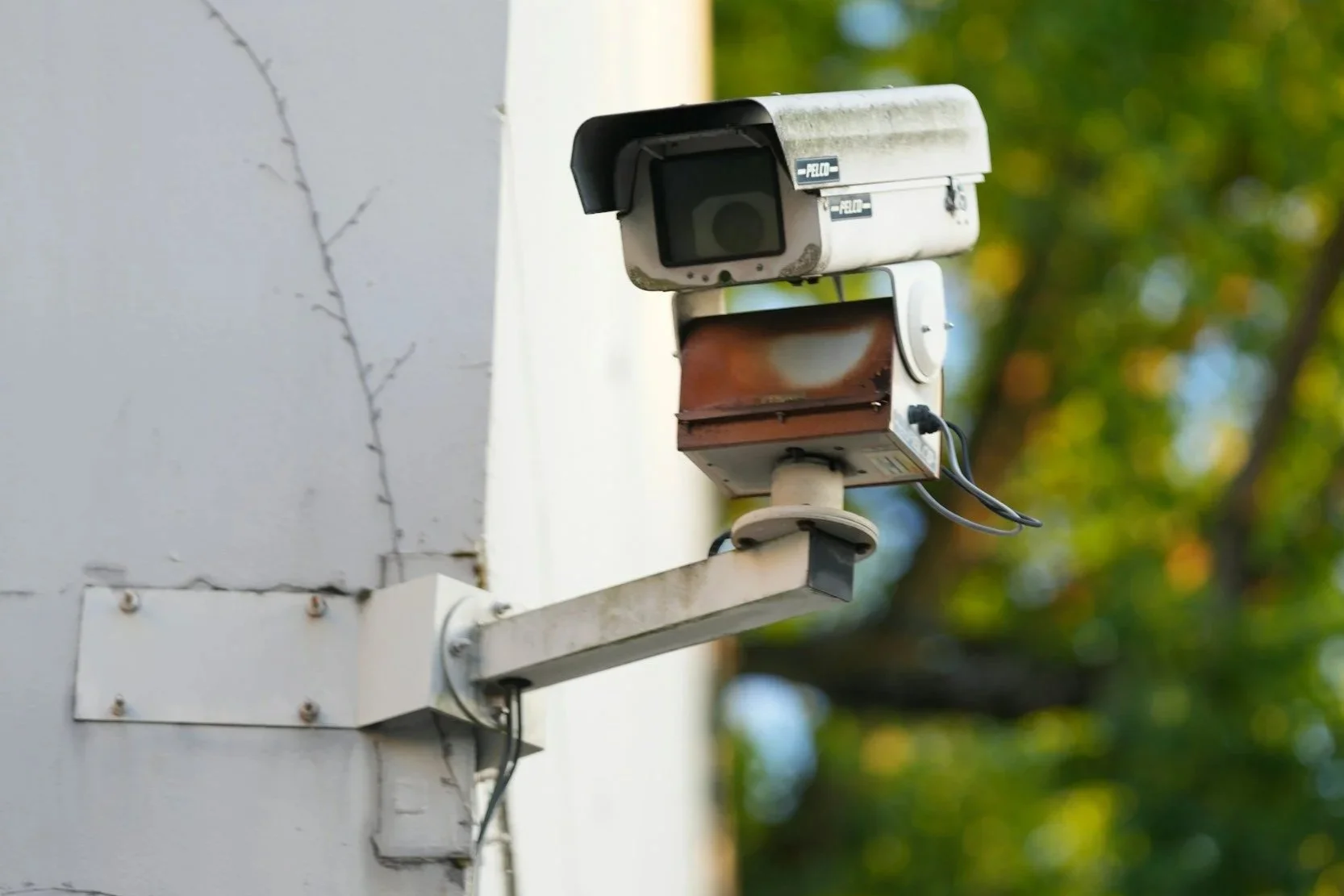
Cracked housings, water damage, flickering feeds, or cameras that no longer pan/tilt/zoom are common after years of exposure to NZ's coastal weather and UV levels. A camera that looks broken is also a visible sign to would-be intruders that your system isn't being maintained.
4. You Can't Access Footage Remotely
If checking your cameras means physically walking to a back-office DVR, that's a legacy setup. Business owners increasingly manage multiple sites, or want to check in after hours from home.
What to do: Cloud-connected or app-based CCTV lets you view live and recorded footage from anywhere, which is now considered standard for commercial systems in NZ.
5. Your System Doesn't Meet Privacy Act 2020 Requirements
Under NZ's Privacy Act 2020, businesses using CCTV must handle footage responsibly. This includes appropriate signage, secure storage, and limits on how footage is used and who can access it. Older, unmanaged systems (shared logins, no audit trail, no encryption) can leave you exposed if footage is ever challenged or requested.
6. Blind Spots Have Appeared as Your Business Has Grown
Renovations, new stock rooms, additional entry points, or an expanded car park often mean your original camera layout no longer covers the areas that actually matter.
What to do: A site reassessment (not just swapping like-for-like cameras) ensures new blind spots are covered as part of any upgrade.
7. You're Paying More to Maintain It Than to Replace It
Repeated call-outs, discontinued parts, and proprietary software licensing on old systems can quietly cost more over 2–3 years than a modern replacement would.
How Much Does It Cost to Replace a Business CCTV System in NZ?
As a general guide, standard camera installations start from around $1,200 per camera, including the camera hardware, software, and labour. So a small business replacing a 4–8 camera setup can expect a base cost of roughly $4,800–$9,600. This excludes contractor work (e.g. an electrician if walls need opening up), WAN/internet setup, and network infrastructure (switches, additional data points). These are quoted separately based on your site. Higher-resolution or PTZ cameras, and larger multi-site or industrial systems, cost more per unit again. A proper site assessment is the only reliable way to get an accurate total quote, since existing cabling, building layout, and required coverage all affect the price.
For businesses that would rather spread the cost, standard cameras can also be financed from as little as $50 per camera, per month excluding labour, contractor work, WAN/internet, network infrastructure, and storage, which are billed separately.
Frequently Asked Questions
How do I know if I should repair or fully replace my CCTV system?
If your system is more than 7–8 years old, uses analog cameras, or can't be viewed remotely, a full replacement is usually more cost-effective long-term than ongoing repairs to outdated hardware.
Is cloud storage better than local storage for business CCTV?
Cloud storage offers off-site backup (protecting footage if hardware is stolen or damaged) and remote access, while local storage can offer lower ongoing costs. Many NZ businesses now use a hybrid of both.
Does my business legally need CCTV signage in NZ?
Yes. Under the Privacy Act 2020, businesses using CCTV are expected to make people reasonably aware they're being recorded, typically through visible signage at entry points.
How long does a CCTV upgrade take for a small business?
Most small-to-medium commercial upgrades (under 16 cameras) can be completed within a single day, depending on cabling requirements and site access.